Send money with Apple Wallet or Google Wallet
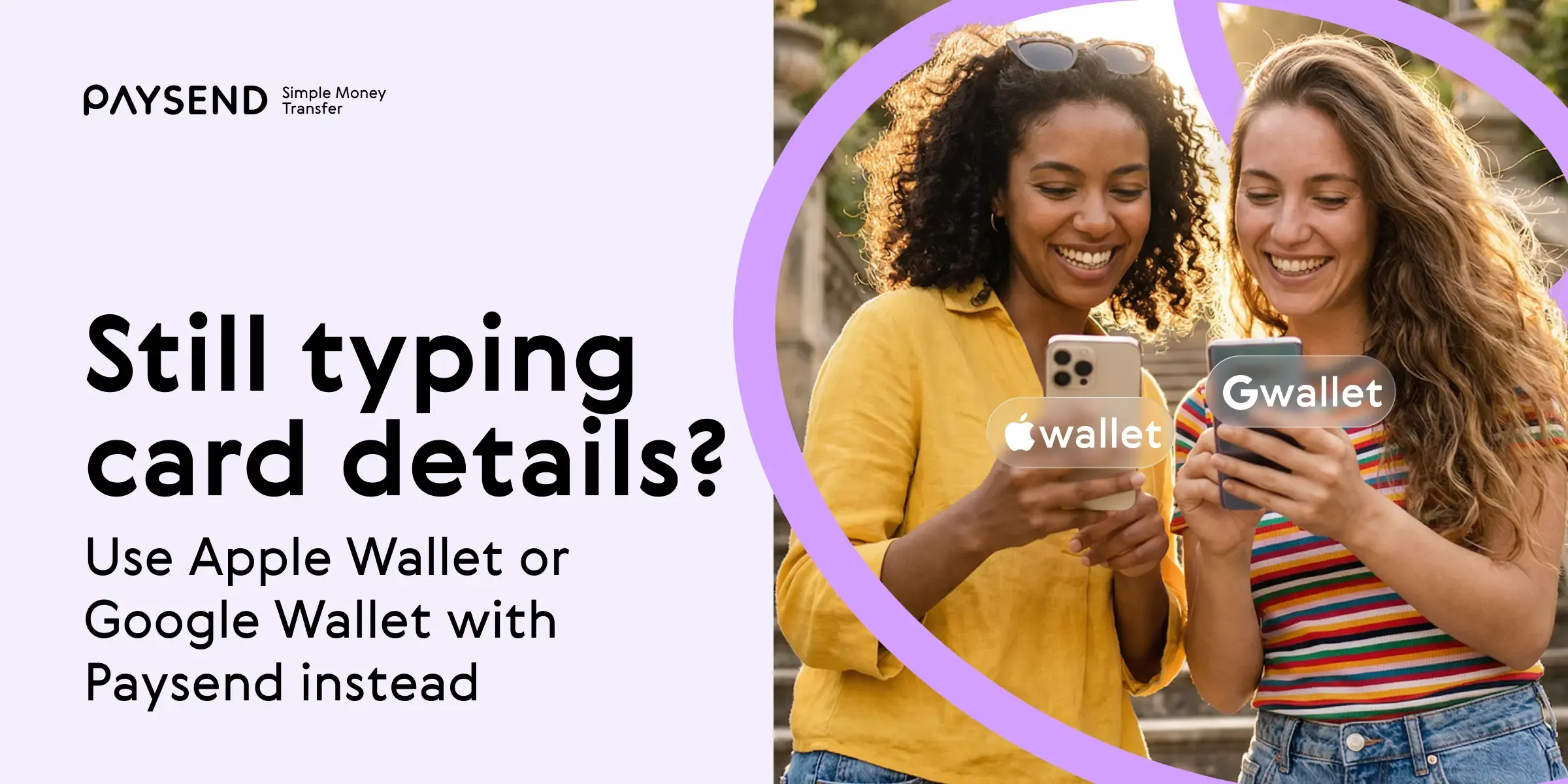
Sending money internationally no longer needs to involve typing long card numbers, double-checking details or worrying about security on the go. With Apple Wallet and Google Wallet, you can fund your transfer in just a few taps using your mobile wallet, combining speed, convenience and an added layer of protection.
Paysend supports Apple Wallet and Google Wallet as funding methods for international transfers, helping reduce friction at checkout while maintaining strong security standards. In this guide, we explain how mobile wallets work, why they can be a safe alternative to manual card entry, and how to use them when sending money abroad.
Why use Apple Wallet or Google Wallet for international transfers?
Mobile wallets are part of the natural evolution of payments. What started with cash moved to cards, then contactless, and now to fully digital wallets stored securely on your device.
When you send money with Apple Wallet or Google Wallet, you are not just choosing convenience. You are using a system designed to reduce exposure of sensitive data while making payments fast and easy to complete.
• Mobile wallet security (tokenization and biometrics)
• Global payment infrastructure
• Regulated international transfer systems
The above combination helps reduce friction while maintaining strong security and reliability across the transfer journey. For Paysend users, this means you can fund transfers without entering card details manually, whether you are at home, commuting, or traveling.
Are mobile payment wallets safer than entering card details manually?
One of the biggest advantages of using Apple Wallet or Google Wallet is how they handle your card information.
Instead of sharing your actual card number, mobile wallets use tokenization. This means a unique, device-specific token is generated and used for the transaction. Your card details are not typically shared with merchants or stored on your device, which can help reduce exposure of sensitive information.
Digital wallets rely on tokenization services provided by global payment networks such as Visa and Mastercard, adding an additional layer of protection.
In addition to this, payments are authorized using biometric authentication such as Face ID, Touch ID, or fingerprint scanning. Even if your phone is lost or stolen, a transfer cannot be completed without your biometric approval or device passcode.
Mobile wallets also operate within strong authentication frameworks, supporting regulatory requirements such as Strong Customer Authentication (SCA) in many regions. Combined with Paysend’s own fraud monitoring systems, this creates multiple layers of protection.
While no payment method can eliminate risk entirely, mobile wallets are designed to reduce certain risks compared to manual card entry.
Fast transfers with fewer errors using digital wallets
Beyond security, mobile payment wallets make the entire payment process more efficient.
Manually entering card details on a mobile device can be time-consuming and error-prone. A single incorrect digit can cause payment failures or delays.
With Apple Wallet and Google Wallet, your card details are stored securely and can be used instantly. You are gaining extra benefits for your Paysend flow. This leads to:
- Fast checkout with fewer steps
- Quick funding on mobile
- May help reduce risk of input errors
- No need to carry or access your physical card
- Smooth experience on mobile devices
- Useful for repeat transfers
This is particularly useful when you need to send money quickly while on the move, for example, supporting family abroad, paying urgent expenses, or sending funds while traveling.
How to send money with Apple Wallet or Google Wallet using Paysend
Using a mobile wallet with Paysend is straightforward. The transfer process is designed to be quick and easy, especially for mobile users.
On iOS (Apple Wallet)
- Open the Paysend app
- Enter transfer details (amount, recipient, destination)
- Select Apple Wallet as your payment method
- Confirm the payment using Face ID, Touch ID or your passcode
On Android (Google Wallet)
- Open the Paysend app
- Enter transfer details
- Select Google Wallet at checkout
- Confirm using your device’s biometric authentication or passcode
How Apple Wallet and Google Wallet work for international transfers
When you use Apple Wallet or Google Wallet to fund a transfer, your payment is authorized through your mobile wallet using a secure token instead of your actual card number.
Paysend then processes the transfer, handling currency conversion, routing and delivery to the recipient’s bank account*, card or wallet.
This means mobile payment wallets simplify the payment step, while Paysend manages the international transfer infrastructure behind the scenes.
*We’ll send your money in real-time, but it could take up to 3 business days depending on your recipient’s bank processing time.
Using a web browser (Safari on iOS)
If you are accessing Paysend via Safari, you may also be able to autofill card details using Apple Wallet when completing your transfer.
Global transfers powered by Paysend and digital wallets
It is important to understand the role of Apple Wallet and Google Wallet in the transfer process.
These mobile wallets are used to fund your transaction. Paysend then handles everything else, including currency conversion, routing and delivery.
With Paysend, you can send money to over 100+ countries. Your recipient does not need Apple Wallet or Google Wallet to receive funds. Transfers can be delivered to:
- bank cards
- bank accounts
- local wallets
This means you get the convenience of mobile wallet payments, combined with Paysend’s global infrastructure and delivery network.
Making mobile wallets your default way to send money
As digital payments continue to evolve, mobile payment wallets help reduce checkout friction when funding an international transfer. They remove unnecessary steps, reduce the risk of errors, and add an extra layer of protection through tokenization and biometric authentication.
When combined with Paysend’s global transfer capabilities, Apple Wallet and Google Wallet offer a practical, modern way to send money internationally.
For many users, mobile wallets are becoming the default way to fund transfers — replacing manual card entry with a fast, more secure and more reliable experience.
Frequently asked questions about Apple Wallet or Google Wallet transfers
Are there extra fees for using Apple Wallet or Google Wallet?
Paysend does not charge additional fees specifically for using Apple Wallet or Google Wallet. Standard transfer fees and exchange rates still apply depending on the corridor and payment method.
Does Apple Wallet or Google Wallet work for all countries?
Availability may vary depending on your sending country and device compatibility. The service is available in most supported regions, but is not currently available for sending from Canada, Uzbekistan, and Colombia.
What if my bank does not support Apple Wallet or Google Wallet?
If your bank does not support mobile payment wallets, you can still fund your transfer by entering your card details manually within the Paysend app.
Do recipients need Apple Wallet or Google Wallet?
No. Apple Wallet and Google Wallet are only used to fund the transfer. Your recipient can receive money directly to their card, bank account or local wallet without using a mobile wallet.
Is it available on both iOS and Android
Yes. Apple Wallet is available on iOS devices, while Google Wallet is available on Android devices. Availability may depend on your region and device settings.
Apple and the Apple Wallet are trademarks of Apple Inc., registered in the U.S. and other countries.
Google Wallet is a trademark of Google LLC.
The materials on this blog are provided for informational purposes only and do not reflect the opinions of Central Bank of Kansas City, Member FDIC. Blog posts may contain links to content on third-party websites, which are provided for your convenience; please note that linked sites may have a privacy and security policy different from our own, and we cannot attest to the accuracy of information. The Central Bank of Kansas City does not guarantee nor expressly endorse any particular business, product, service, or third-party content.
Nejnovější příspěvky

Poznejte Pavla Šticha: jak pomáhá českým a slovenským čtenářům posílat peníze domů
Každý měsíc posílá tisíce lidí pracujících v Česku část výplaty domů – mnozí z nich jsou Ukrajinci, kteří podporují rodinu za hranicemi. A tradiční cesta ztěžuje to, co by mělo být jednoduché: bankovní převody vyžadující IBAN a SWIFT kódy, poplatky, které se objeví až poté, co peníze odešly, a dny čekání, zatímco doma na ně někdo spoléhá.
Pavel Štich pomáhá svým čtenářům řešit přesně tento problém už léta. Je spoluzakladatelem a šéfredaktorem pro finance na Moneyo.cz – nezávislé české platformě, která porovnává služby pro zasílání peněz, akciové brokery a alternativní investice – a zároveň Ambasadorem Paysend, což znamená, že vše, co doporučuje, osobně testuje, vysvětluje srozumitelně a svým čtenářům přináší exkluzivní výhody. Zeptali jsme se ho, jak Moneyo vzniklo, kdo ho čte a proč si vybral Paysend.
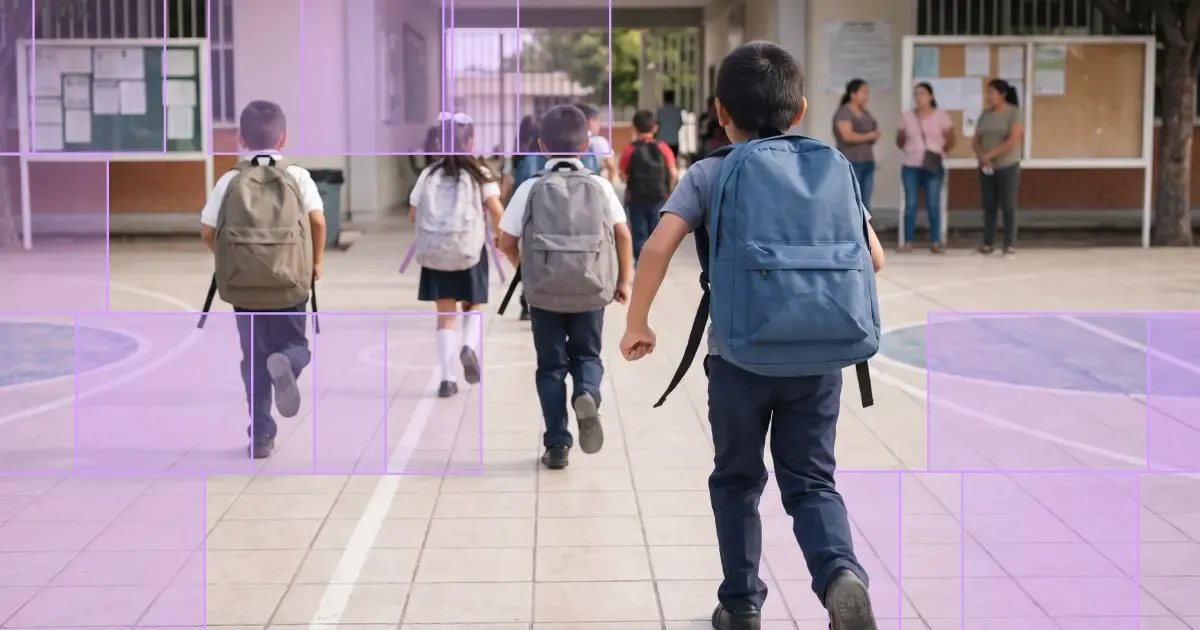
Back-to-school season can be one of the times of year you feel furthest from the people you love. It's also one of the most expensive – school supplies, uniforms, tuition, and everyday essentials all add up at once. Many people help cover these costs by sending money internationally to family abroad. To support that, new Paysend customers get a fee-free first transfer at a better exchange rate during the back-to-school period.
Whether you're helping pay for school or everyday expenses, an international transfer can get support to the people who need it, when they need it. Paysend lets customers send money to more than 170 countries through secure, straightforward payment methods — here's how to sign up for free and claim the offer.


