Paysend Empfehlungs-QR-Code: ein neuer Weg, Ihre Einladung zu teilen

Der Paysend Empfehlungs-QR-Code ist ein persönlicher QR-Code, der auf Ihrem Empfehlungslink basiert. Freunde können ihn scannen, um Ihre Einladung zu öffnen und Paysend beizutreten. Sie finden ihn auf der Seite „Freunde einladen“ in der Paysend-App. Dort können Sie ihn in wenigen Sekunden teilen oder als Bild speichern
Was ist der Empfehlungs-QR-Code?
Der Empfehlungs-QR-Code verwandelt Ihren Empfehlungslink in einen QR-Code, den Sie ganz einfach überall teilen können. Jeder QR-Code ist eindeutig Ihrem Empfehlungslink zugeordnet. Dadurch werden alle Freunde, die über Ihren QR-Code beitreten, automatisch Ihrer Empfehlung zugerechnet.
Ihr QR-Code-Bild enthält:
- Ihren Vornamen
- Ihren persönlichen QR-Code
- Eine kurze Anleitung zum Scannen
- Ihren Empfehlungslink
So finden und teilen Sie Ihren QR-Code
- Öffnen Sie Freunde einladen in der Paysend-App.
- Tippen Sie oben rechts auf das QR-Code-Symbol.
- Teilen Sie Ihren QR-Code sofort oder speichern Sie ihn als Bild, um ihn später zu senden.
- Ihr Freund scannt den Code, öffnet Ihren Empfehlungslink und kann Paysend beitreten.
Ihr Empfehlungslink ist im Bild auch als Text enthalten. Die meisten Smartphones erkennen Links auch auf gespeicherten Bildern oder Screenshots und können sie direkt öffnen.
Wo Sie Ihren Empfehlungs-QR-Code verwenden können
Ein QR-Code ist praktisch, wenn sich ein Link nicht einfach teilen lässt:
- Persönlich — Lassen Sie Ihren Freund den QR-Code direkt auf Ihrem Smartphone scannen.
- In Gruppenchats — Teilen Sie das Bild mit Ihrem QR-Code, damit Freunde ihn scannen und Ihrer Einladung folgen können.
- In sozialen Netzwerken — Posten Sie ein Bild, das einfach gescannt und beigetreten werden kann.
Häufig gestellte Fragen
Werden Empfehlungen über meinen QR-Code mir zugeordnet?
Ja. Ihr QR-Code ist mit Ihrem persönlichen Empfehlungslink verknüpft. Alle Nutzer, die über den QR-Code beitreten, werden Ihrer Empfehlung genauso zugeordnet wie beim direkten Teilen Ihres Empfehlungslinks.
Kann ich meinen QR-Code speichern, um ihn später zu teilen?
Ja. Sie können Ihren QR-Code als Bild herunterladen und teilen, wann immer Sie möchten.
Was passiert, wenn mein Freund den QR-Code nicht scannen kann?
Ihr Empfehlungslink ist zusätzlich als Text auf dem Bild enthalten. Die meisten Smartphones erkennen Links auch direkt auf Bildern oder Screenshots. So kann Ihr Freund Ihre Einladung trotzdem öffnen und Paysend beitreten.
Neueste Beiträge

Good news — your double rewards are staying. For the whole of September 2026, every friend you invite to Paysend earns you $6 instead of the usual $3. Invite a few, and you could earn up to $72 this month, or the local currency equivalent.
It's the same referral programme you already know. The reward is simply worth twice as much until 30 September. Here's how it works, and how to make the most of it.
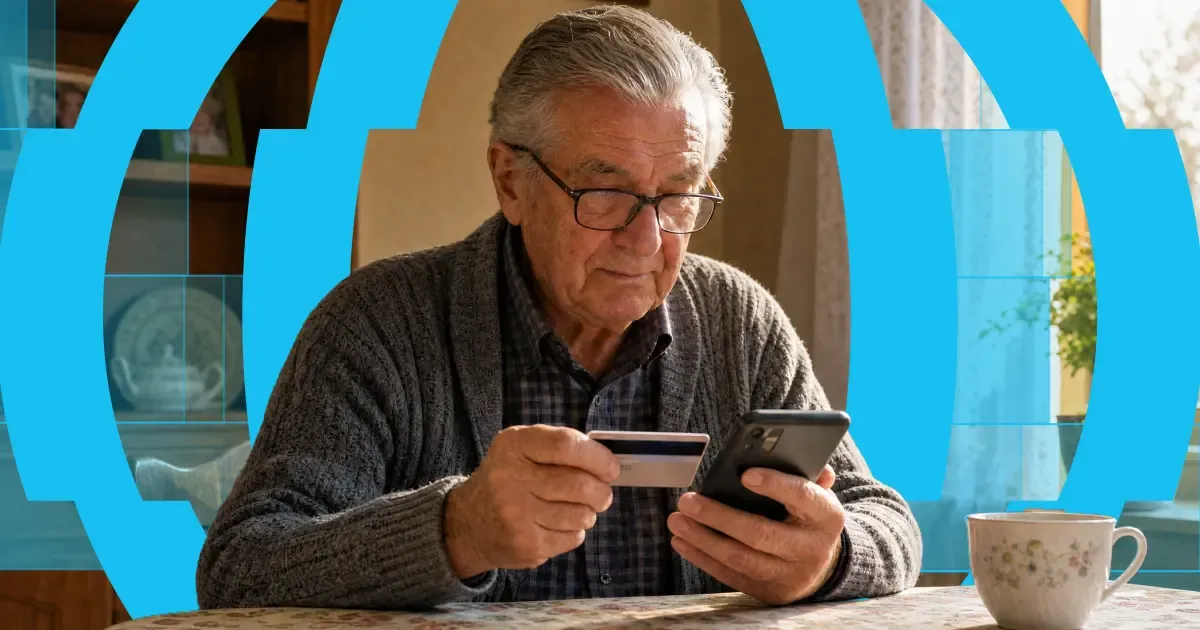
Here's the short answer: yes, you can use a credit card to get money into someone's bank account abroad. "Credit card to bank transfer" means exactly that — you fund the transfer with your credit card, and your recipient receives it in their bank account. Or on their card, in their wallet, or as cash to collect, depending on where they are.
The card and the bank account do different jobs. Your card pays for the transfer. A provider like Paysend then pays the money out through local systems on the other end. It's one flow, and it takes about a minute in the app.
One thing worth knowing before you start: a credit card is usually the most expensive way to fund a transfer. Some issuers treat it as a cash advance, and credit tends to carry higher payment fees than debit. You'll always see the full cost, exchange rate included, before you confirm anything. What follows is: the ways your money can arrive, what each one costs, how fast it gets there, and the cheaper routes worth checking first.


