How to Call Bangladesh from the US

Calling Bangladesh from the US is easy once you know the correct international dialing format – and there are even free and low-cost options available. Whether you’re calling a mobile or landline, you'll need to include the right country and area codes. And if you’re looking to save money, apps like WhatsApp or international calling services can make staying in touch more affordable than ever.
1. How to call Bangladesh from the USA (Step by Step)
To place a standard international call from the US to Bangladesh:
Dial:
011 – the US exit code
880 – the calling code for Bangladesh
X – the area/mobile code
XXXXXXX – the local phone number
Example: To call a Dhaka landline (area code 2) like 1234567, dial:
011-880-2-1234567
For Bangladeshi mobile numbers (starting with codes like 17, 18, or 19), it would look like:
011-880-17-XXXXXXX
2. Best apps to call Bangladesh
If you want to save money – or even make free voice or video calls – there are plenty of alternatives to traditional carriers. Here are some of the best apps to call Bangladesh:
- WhatsApp – Free voice/video calls over Wi-Fi or data
- Viber – Great quality and supports both calls and messages
- Google Voice – Offers affordable international rates
- Skype – Useful for landline calls or business numbers
Just make sure both parties have a good internet connection, and for app-to-app calls, that you're both using the same platform.
3. Tips for smooth calling
- Check time zones – Bangladesh is typically 11–13 hours ahead of US time zones
- Double-check the number format – No need to dial a leading ‘0’ from abroad
- Use Wi-Fi when possible – For app-based calls, it avoids mobile data charges
- Consider international calling plans – Some US carriers offer add-ons for calling Bangladesh at better rates
4. Staying in touch beyond phone calls
If you’re calling Bangladesh to check in with family or support loved ones, don’t forget that sending money can be just as simple as making a call. With services like Paysend, you can transfer money directly to bank accounts or mobile wallets in Bangladesh – quickly, securely, and often for lower fees than traditional banks.
Quick recap
To call Bangladesh from the US, dial 011 + 880 + area/mobile code + local number. You can use your mobile, landline, or one of the many free and low-cost calling apps available. And if you’re supporting family or friends in Bangladesh, digital money transfer options make it easy to stay connected in every way that matters.
Neueste Beiträge
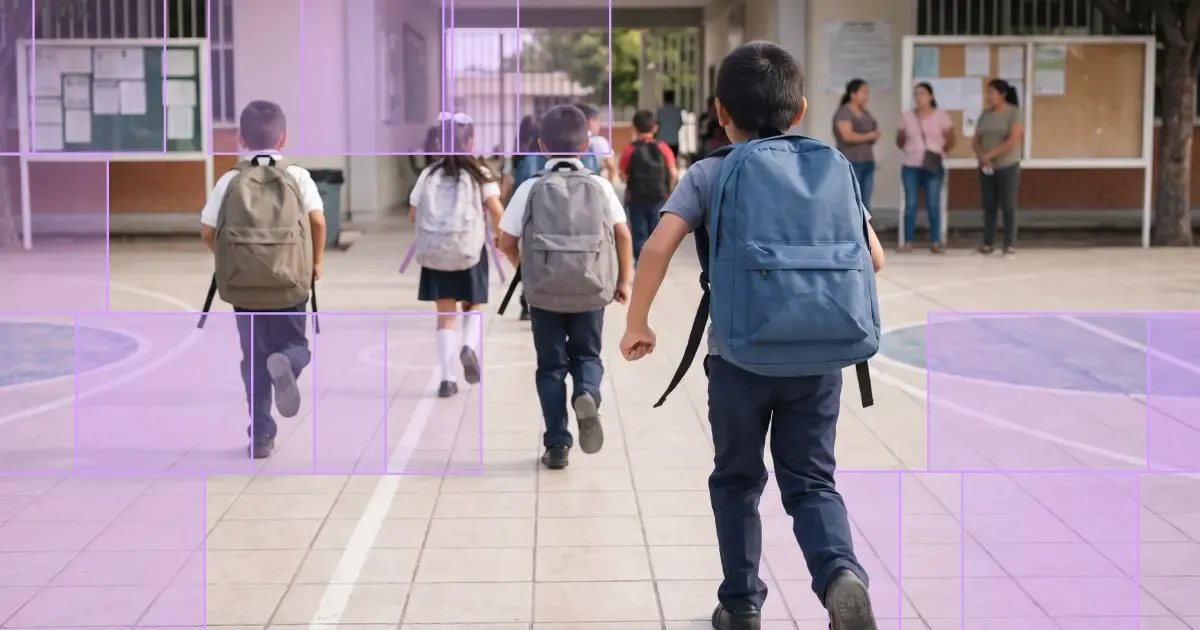
Der Schulanfang ist eine der Zeiten im Jahr, in denen man die Entfernung zu seinen Liebsten besonders spürt. Gleichzeitig gehört er für viele Familien zu den teuersten Phasen des Jahres: Schulmaterial, Uniformen, Schulgebühren und alltägliche Ausgaben fallen oft zur gleichen Zeit an. Viele Menschen unterstützen ihre Familien im Ausland, indem sie Geld nach Hause senden, um diese Kosten zu decken. Deshalb können neue Paysend-Kunden zum Schulanfang ihre erste Überweisung ohne Gebühren und zu einem günstigeren Wechselkurs tätigen.
Ganz gleich, ob Sie bei Schulgebühren helfen oder alltägliche Ausgaben mitfinanzieren: Mit einer internationalen Überweisung können Sie Ihre Angehörigen genau dann unterstützen, wenn sie Ihre Hilfe brauchen. Mit Paysend können Sie Geld in mehr als 170 Länder senden und dabei sichere und unkomplizierte Zahlungsmethoden nutzen. Hier erfahren Sie, wie Sie sich kostenlos registrieren und das Angebot nutzen können.
Den ganzen August über verdoppelt Paysend die Empfehlungsprämien. Laden Sie einen Freund ein und verdienen Sie 6 USD pro erfolgreicher Empfehlung – insgesamt bis zu 72 USD. Das Angebot läuft vom 1. bis 31. August und gilt automatisch für jede qualifizierte Empfehlung in diesem Zeitraum.
Freunde zu Paysend einzuladen lohnt sich auch in einem normalen Monat. Im August wird diese Prämie verdoppelt. Für jeden Freund, der sich über Ihren Link anmeldet und eine qualifizierte Überweisung abschließt, erhalten Sie 6 USD statt der üblichen 3 USD, und der maximale Prämienbetrag pro Monat steigt von 36 USD auf 72 USD. Es ist einfach, einen Freund einzuladen – teilen Sie einfach Ihren Einladungslink aus der App.


