Send money with Apple Pay and Google Pay!

Here at Paysend we want your money transfers to be as fast as possible for both you and your recipient.
Why?
Because you’ve got better things to do than waste time with slow transfer processes! We want to speed up the paying process by limiting the number of steps needed to send money, and we want to speed up the receiving process by moving money to its destination as fast as possible.
To make our transfers even faster and easier, we’ve made it possible to send money by adding card details from Apple Pay and Google Pay on the Paysend Global Transfer app. So if you have Apple Pay or Google Pay on your phone, you no longer need to fill in the card details when you want to make the transfer - you can auto-fill the details from your mobile wallet.
It’s also possible to add card details from Apple Pay or Google Pay if you access Paysend’s money transfer platform via the Safari web browser.
How do I send money with Apple Pay and Google Pay?
It’s easy to send money to a friend with Google Pay or Apple Pay via the Paysend platform. When you want to send money, simply select your chosen payment method before you press ‘send’.
If you access Paysend via Safari, you’ll be given the option to add card details from Apple Pay or Google Pay when you make payment for your transfer.
Apple Pay and Google Pay features are now available in: SEPA countries, Denmark, the UK, Norway, Sweden, Switzerland, Poland and the Czech Republic.
Head to the Paysend app now and send money abroad to check out the new feature!
Latest Posts
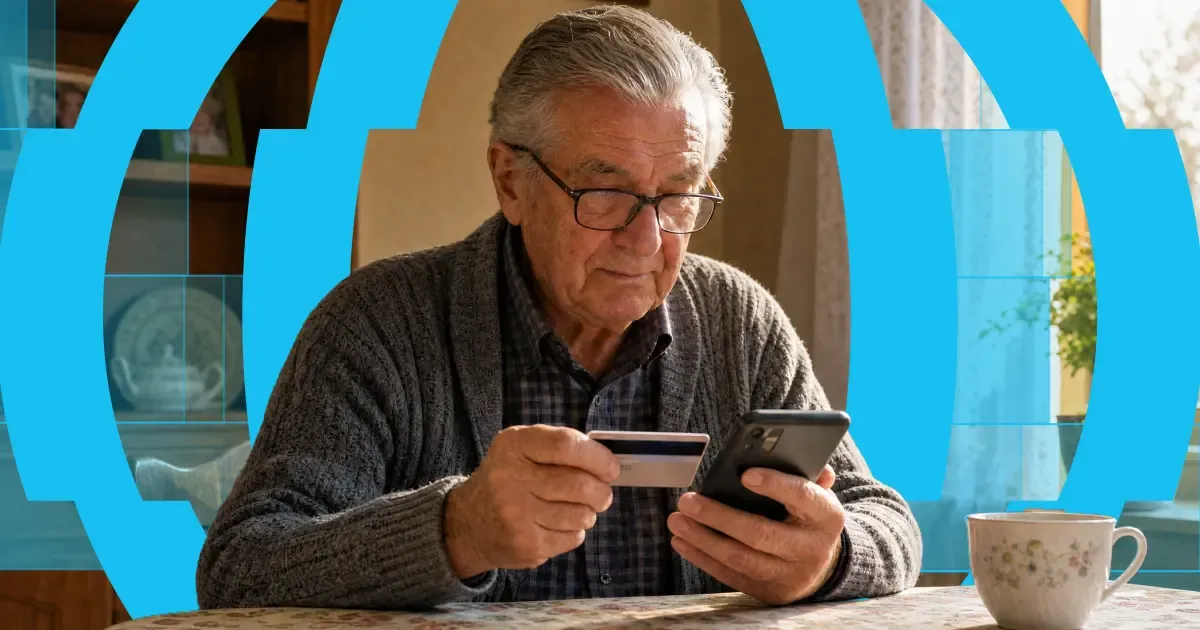
Here's the short answer: yes, you can use a credit card to get money into someone's bank account abroad. "Credit card to bank transfer" means exactly that — you fund the transfer with your credit card, and your recipient receives it in their bank account. Or on their card, in their wallet, or as cash to collect, depending on where they are.
The card and the bank account do different jobs. Your card pays for the transfer. A provider like Paysend then pays the money out through local systems on the other end. It's one flow, and it takes about a minute in the app.
One thing worth knowing before you start: a credit card is usually the most expensive way to fund a transfer. Some issuers treat it as a cash advance, and credit tends to carry higher payment fees than debit. You'll always see the full cost, exchange rate included, before you confirm anything. What follows is: the ways your money can arrive, what each one costs, how fast it gets there, and the cheaper routes worth checking first.

Back-to-school season can be one of the times of year you feel furthest from the people you love. It's also one of the most expensive – school supplies, uniforms, tuition, and everyday essentials all add up at once. Many people help cover these costs by sending money internationally to family abroad. To support that, new Paysend customers get a fee-free first transfer at a better exchange rate during the back-to-school period.
Whether you're helping pay for school or everyday expenses, an international transfer can get support to the people who need it, when they need it. Paysend lets customers send money to more than 170 countries through secure, straightforward payment methods — here's how to sign up for free and claim the offer.


