Send money via Regular Bank Transfers using SEPA

Good news, if you are seeking a simple method of supporting loved ones internationally outside of the Eurozone for less, you are in luck! Paysend is here to help you send money quickly and affordably all over the globe.
Experience the freedom to move funds to a bank account, card or e-wallet fee-free via a SEPA, helping you send and save more at the click of a button.
So what is a SEPA bank transfer?
Traditionally a SEPA (Single Euro Payments Area) is a European payments network that enables you to send and receive payments in euros (€) between two cross-border bank accounts in the Eurozone, making it as easy and affordable as making a domestic bank transfer.
With Paysend’s international bank transfers, customers can move money via a SEPA just as quickly and affordably all over the world!
How to make international bank transfers via SEPA
When selecting to send money via a bank transfer Paysend automatically creates a temporary account for the corresponding banking partner.
By providing an invoice with a temporary SEPA account number, customers can transfer funds from a payment method of their choosing to this account, available for three business days, allowing your recipient to receive the funds automatically hassle-free.
Customers must transfer the exact amount they want their recipient to receive. The temporary account will reject any bank transfers contrary to the predetermined value.
Should you initiate a SEPA transfer of €500 and instead send €501 from your bank account, the SEPA transfer would cancel.
The transfer status will be visible on your profile.
To complete an international bank transfer via a Regular Bank Transfer, follow these three simple steps:
- Select the bank transfer funding option online or via the app
- Enter the recipient bank details and the amount you wish to send. We will then provide you with a receipt for the transfer.
- After receiving an invoice, send the exact amount from your bank to the temporary account listed.
- To help you get familiar, here is an example of an international bank transfer:
1. Select the Regular bank transfer funding option online or via the app

2.Enter the amount you wish to send and your recipient’s bank details. We will provide you with a receipt for the transfer and the corresponding IBAN to transfer funds.

3.After receiving an invoice and the login details, send the exact amount from your bank to the temporary account listed.

4.Receive confirmation of the transfer.

Latest Posts
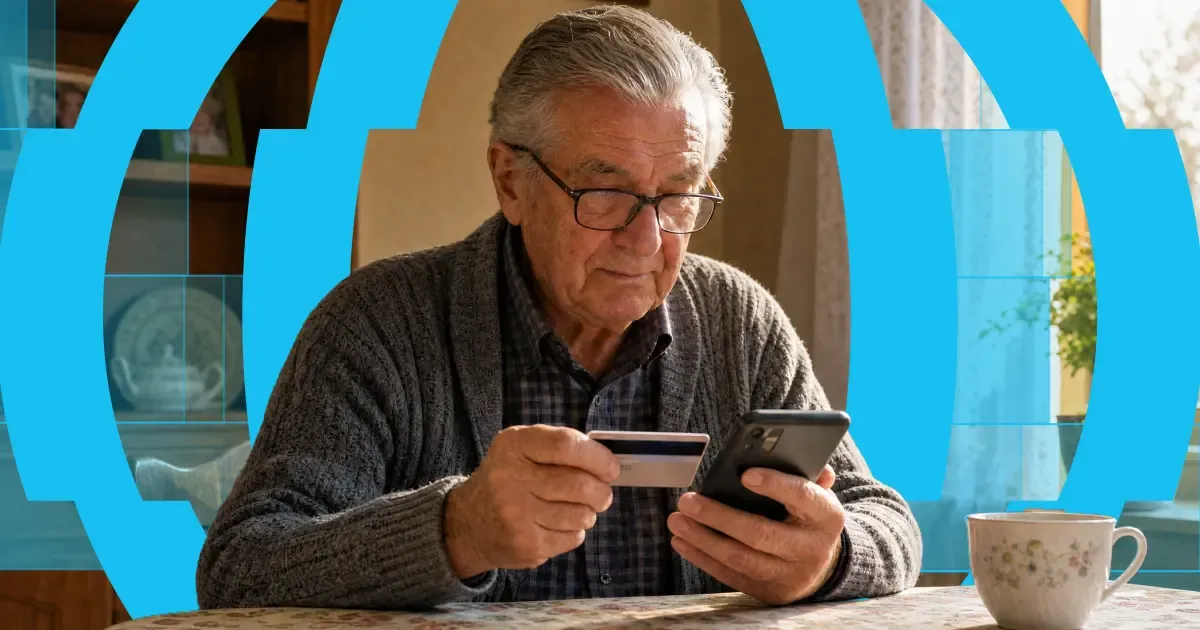
Here's the short answer: yes, you can use a credit card to get money into someone's bank account abroad. "Credit card to bank transfer" means exactly that — you fund the transfer with your credit card, and your recipient receives it in their bank account. Or on their card, in their wallet, or as cash to collect, depending on where they are.
The card and the bank account do different jobs. Your card pays for the transfer. A provider like Paysend then pays the money out through local systems on the other end. It's one flow, and it takes about a minute in the app.
One thing worth knowing before you start: a credit card is usually the most expensive way to fund a transfer. Some issuers treat it as a cash advance, and credit tends to carry higher payment fees than debit. You'll always see the full cost, exchange rate included, before you confirm anything. What follows is: the ways your money can arrive, what each one costs, how fast it gets there, and the cheaper routes worth checking first.

Every month, thousands of people working in the Czech Republic send part of their payday home — many of them Ukrainians supporting family across the border. And the traditional route makes it harder than it should be: bank wires that ask for IBANs and SWIFT codes, fees that only show up after the money's gone, and days of waiting while someone at home is counting on it.
Pavel Štich has spent years helping his readers solve exactly that. He's Co-Founder and Lead Financial Editor at Moneyo.cz, an independent Czech platform that compares money transfer services, stock brokers, and alternative investments — and a Paysend Ambassador, which means he tests what he recommends, explains it plainly, and brings his readers reader-only perks. We asked him how Moneyo started, who reads it, and why he chose Paysend.


