How to protect yourself from phishing scam emails
We’ve seen an increase in fraudsters pretending to be Paysend in an attempt to trick our customers into revealing personal and financial details. These are known as phishing scams, and while we can’t stop people from impersonating us, we can help you stay protected.
Whether it’s an email, SMS, or social media message, phishing scams are designed to look convincing. But there are always clues. Here’s what you need to know to stay one step ahead.
What is a phishing scam email?
A phishing scam email is a fraudulent message that pretends to be from a trusted source – like a bank or a money transfer company – in order to steal personal data, such as your PIN, CVV, login credentials or bank card numbers.
These emails often:
- Look urgent (e.g. "your account is locked – click here now")
- Use fake domains or email addresses (e.g. [email protected])
- Include suspicious links or attachments
- Ask you to share OTPs or log in to a fake site
How to spot a fake Paysend message
Here are a few key rules to remember when checking whether a message really came from us:
- Our only website domain is paysend.com
- Customer Support will never call and ask for personal details or security codes
- If someone is urging you to act quickly or click a link — slow down and check
Always double-check the sender’s email address, especially for any unusual domains or typos.
What you can do to stay safe from phishing scams
If you’re not sure whether something is legitimate, follow these security best practices:
- Never share OTPs, CVVs or PIN codes with anyone
- Don’t click on suspicious links – instead, visit our site directly
- Enable 2-factor authentication for extra protection
- Only send money to people and businesses you know and trust
- Don’t install software someone asks you to download for “troubleshooting”
- Never give remote access to your phone, laptop, or Paysend account
What if you've already clicked?
If you think you may have fallen victim to a scam, take these steps immediately:
- Stop all communication with the suspected fraudster
- Contact your bank or card provider to report the breach
- Reach out to our Customer Support team via in-app chat or email at [email protected]
- Official ways to contact Paysend
To avoid confusion, here’s a list of our verified email addresses:
- [email protected]
- [email protected]
- [email protected]
- [email protected]
- [email protected]
- [email protected]
- [email protected]
You can also message us through the Help Center by clicking “Get help in the chat” at the bottom of any article.
Final tip: stay cautious
Scams evolve constantly — but so can your defenses. Bookmark this page, share it with anyone you know who uses Paysend, and take a moment to set up extra security today. Staying alert is the best protection.
The educational materials on this site are provided for informational purposes only and do not reflect the opinions of Central Bank of Kansas City, Member FDIC. Educational materials may contain links to content on third-party websites which are provided for your convenience; please note that linked sites may have a privacy and security policy different from our own, and we cannot attest to the accuracy of information. The Central Bank of Kansas City does not guarantee nor expressly endorse any particular business, product, service, or third-party content.
Najnowsze posty
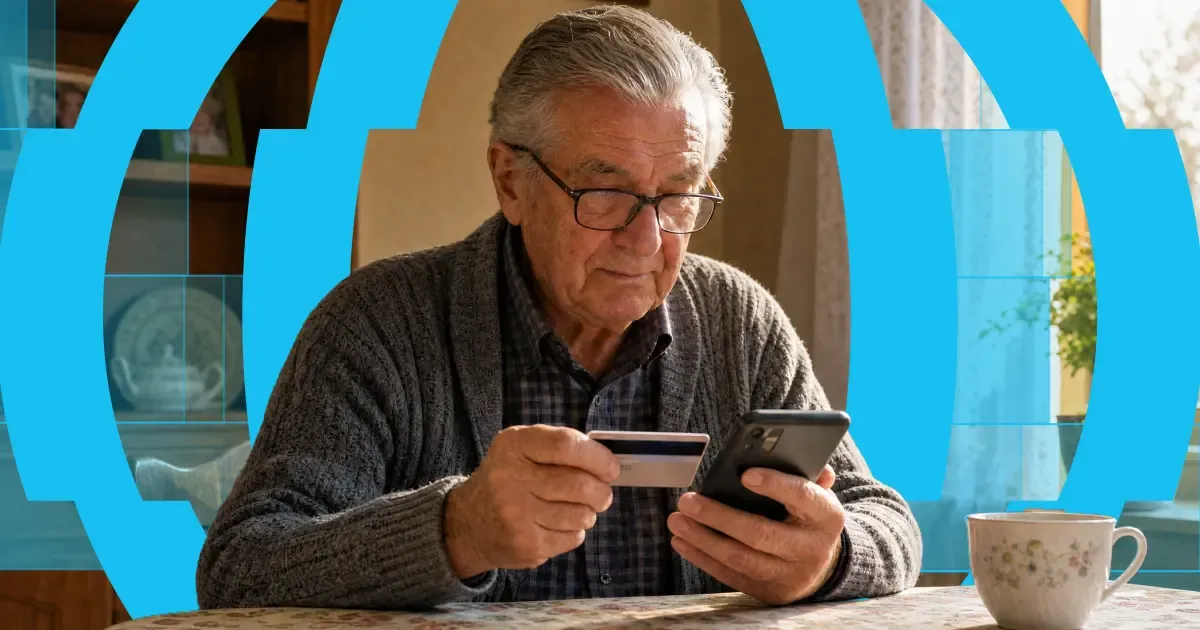
Here's the short answer: yes, you can use a credit card to get money into someone's bank account abroad. "Credit card to bank transfer" means exactly that — you fund the transfer with your credit card, and your recipient receives it in their bank account. Or on their card, in their wallet, or as cash to collect, depending on where they are.
The card and the bank account do different jobs. Your card pays for the transfer. A provider like Paysend then pays the money out through local systems on the other end. It's one flow, and it takes about a minute in the app.
One thing worth knowing before you start: a credit card is usually the most expensive way to fund a transfer. Some issuers treat it as a cash advance, and credit tends to carry higher payment fees than debit. You'll always see the full cost, exchange rate included, before you confirm anything. What follows is: the ways your money can arrive, what each one costs, how fast it gets there, and the cheaper routes worth checking first.

Co miesiąc tysiące osób pracujących w Czechach wysyła część wypłaty do domu — wielu z nich to Ukraińcy wspierający rodzinę za granicą. A tradycyjna droga utrudnia to, co powinno być proste: przelewy bankowe wymagające IBAN i kodów SWIFT, opłaty, które widać dopiero, gdy pieniądze już zniknęły, oraz dni oczekiwania, podczas gdy ktoś w domu na nie liczy.
Pavel Štich od lat pomaga swoim czytelnikom rozwiązywać dokładnie ten problem. Jest współzałożycielem i redaktorem naczelnym ds. finansów w Moneyo.cz — niezależnej czeskiej platformie, która porównuje usługi przekazów pieniężnych, brokerów giełdowych i alternatywne inwestycje — a także Ambasadorem Paysend, co oznacza, że osobiście testuje wszystko, co poleca, wyjaśnia to prostym językiem i daje swoim czytelnikom ekskluzywne korzyści. Zapytaliśmy go, jak powstało Moneyo, kto je czyta i dlaczego wybrał Paysend.


