How to send money to someone with a debit card

At a base level, debit cards allow you to spend the money that's available in your account whilst staying in control of your spending because the balance on your debit card is updated instantly.
Moving funds to someone with a debit card
Today, offline methods of transferring money to someone with a debit card include visiting a bank, post office or remittance store and providing bank details to complete payments. Be aware that these options may charge high fees, with the money arriving within a few days.
With Paysend, the process for sending money online to a debit card of your choosing is simple, quick and affordable.
Sending money to a debit card with Paysend
Paysend is a next generation money transfer service that lets you send money abroad to bank accounts linked to a debit card for no hidden fees!
Transferring money with Paysend only takes minutes, though speeds may depend on bank processing times.
With Paysend, you can send your money directly to a debit card with our unique card-to-card transfers, making it a quick and painless process to provide the card details and click send!
To get started sending money, head to the App Store or Google Play to download the Paysend app or go to our homepage to find out how much you could save when moving money with us.
Here is a step-by-step guide to setting up your Paysend account and making a transfer to a debit card:
How to sign up to Paysend
- Click the Sign-up button at the top
- Type in your mobile phone number starting with the (Country code)
- Verify your account using the code sent straight to your mobile, or if on the Paysend App, create a four-digit passcode for additional security.
- Fill out your personal information (First and last name, date of birth, email)
- Enter your residential address
How to make a transfer to a debit card using the Paysend app
- Select Send Money.
- Choose the receiving country.
- Select how you want to transfer money - to a bank card.
- Enter the recipient's card details. Press Continue.
- Enter the amount you wish to send and press Continue.
- Select how you want to pay (Choose from available options).
- Follow the further instructions on adding the chosen funding option.
- Click Confirm & Send.
Paysend continues to deliver more payment options for our customers, and with a new and improved onboarding process, you can set up your account and make your first transaction in minutes.
Check the payments network for your sending country here.
Последние посты
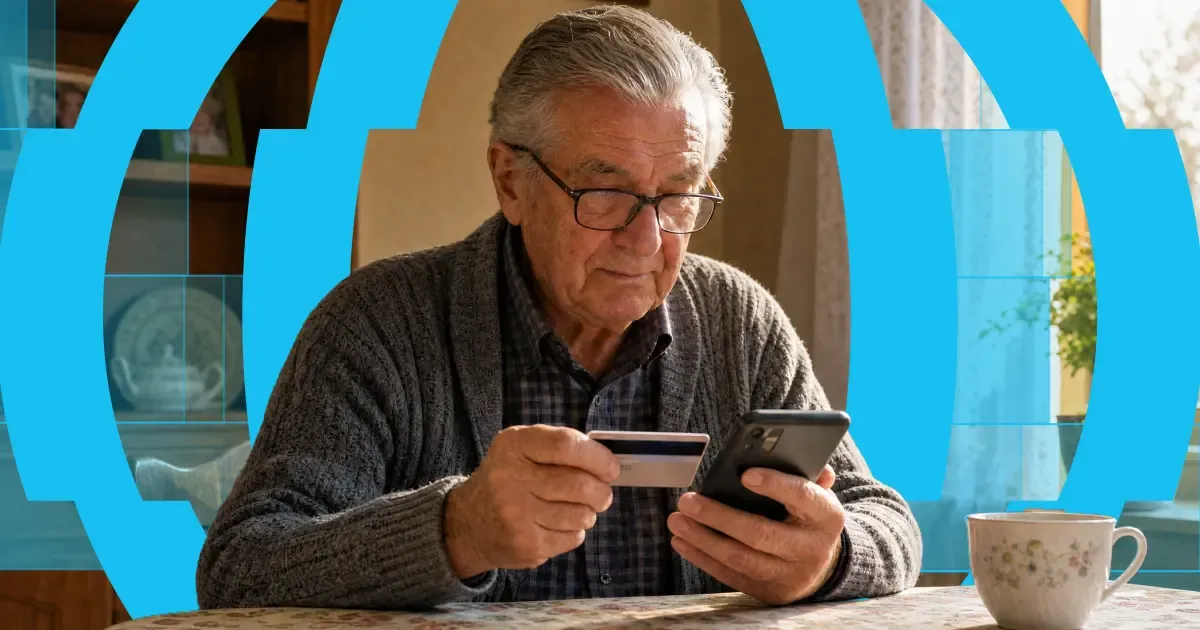
Here's the short answer: yes, you can use a credit card to get money into someone's bank account abroad. "Credit card to bank transfer" means exactly that — you fund the transfer with your credit card, and your recipient receives it in their bank account. Or on their card, in their wallet, or as cash to collect, depending on where they are.
The card and the bank account do different jobs. Your card pays for the transfer. A provider like Paysend then pays the money out through local systems on the other end. It's one flow, and it takes about a minute in the app.
One thing worth knowing before you start: a credit card is usually the most expensive way to fund a transfer. Some issuers treat it as a cash advance, and credit tends to carry higher payment fees than debit. You'll always see the full cost, exchange rate included, before you confirm anything. What follows is: the ways your money can arrive, what each one costs, how fast it gets there, and the cheaper routes worth checking first.

Каждый месяц тысячи людей, работающих в Чехии, отправляют часть зарплаты домой — многие из них украинцы, поддерживающие семью по ту сторону границы. И привычный путь усложняет то, что должно быть простым: банковские переводы, требующие IBAN и SWIFT-коды, комиссии, которые становятся видны только после того, как деньги уже ушли, и дни ожидания, пока кто-то дома рассчитывает на этот перевод.
Павел Штих уже несколько лет помогает своим читателям решать именно эту проблему. Он сооснователь и главный финансовый редактор Moneyo.cz — независимой чешской платформы, которая сравнивает сервисы денежных переводов, брокеров и альтернативные инвестиции, — а также амбассадор Paysend: это значит, что он лично тестирует всё, что рекомендует, объясняет это простым языком и даёт своим читателям эксклюзивные бонусы. Мы спросили его, как появился Moneyo, кто его читает и почему он выбрал Paysend.


