Ready to join Paysend? Here’s how to set up your account
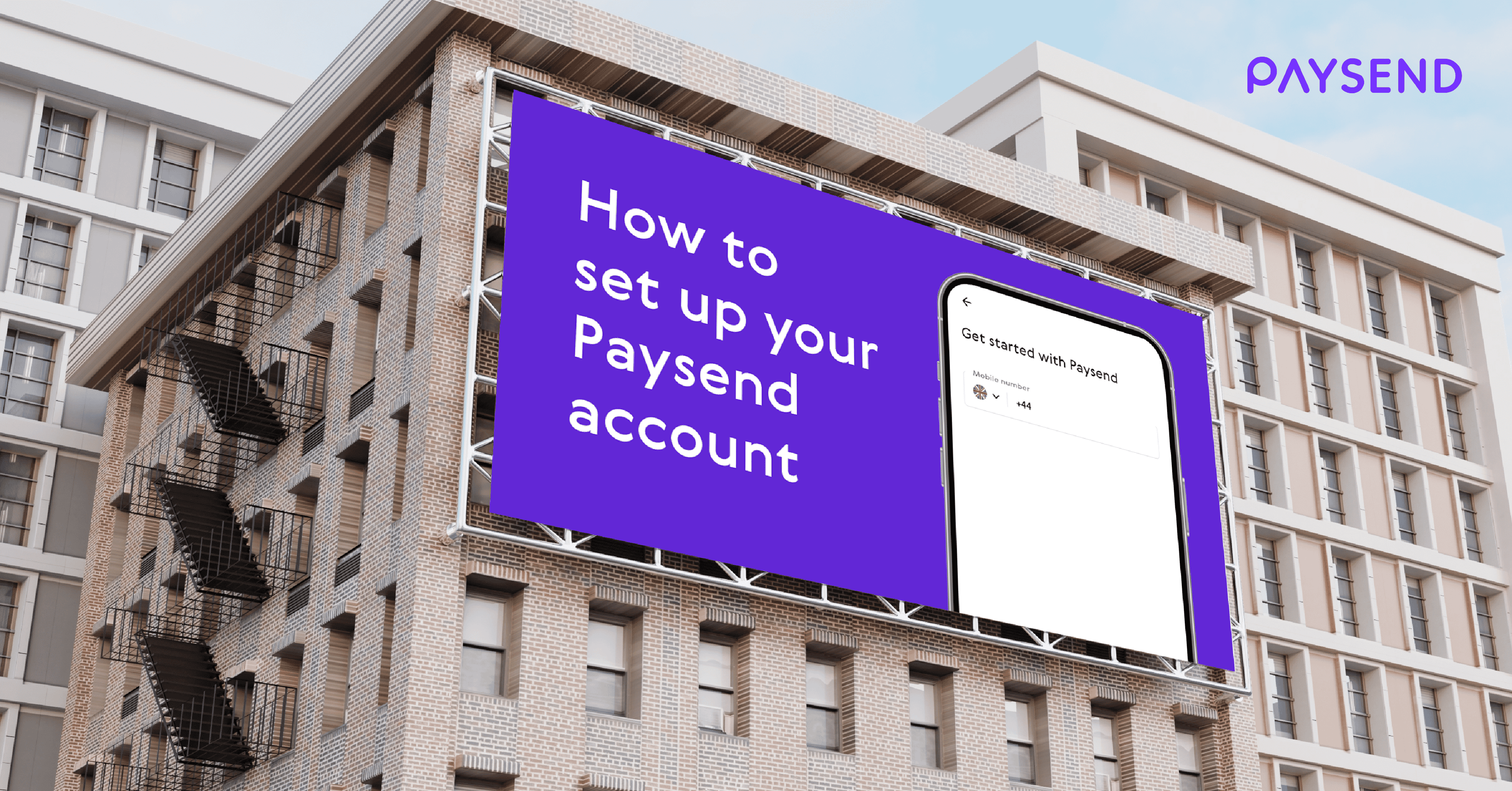
Getting started with Paysend is simple, fast, and easy, whether you're on a mobile device or using a web browser. With quick international transfers, Paysend opens up a world of convenience. Let’s walk you through the setup process step-by-step!
Step 1: Download the Paysend App
The best way to experience Paysend is through our mobile app, designed for quick access and seamless transactions. Choose the download link for your device below:
Or, if you’re reading on a browser, you can create your account through our official website.
Step 2: Create your account
Once the app or website is open, follow the on-screen instructions to create your account. Paysend will walk you through each step, but here’s what you’ll need to get set up:
- Push and SMS notifications: Allow these for a smooth sign-up and to keep your account secure with alerts and confirmations.
- Photos access: Enable this if prompted - it’s a key part of verification for larger transactions and keeps things safe and smooth!
Tip: If you’re new to online transfers, you may find our step-by-step transfer guide helpful once you’re ready to send funds abroad.
Step 3: Start using Paysend for all your transfer needs
Now that your account is ready, you’re set to start exploring Paysend’s features! Transfer funds worldwide, check exchange rates in real-time, and enjoy the speed and reliability that millions of customers rely on. Don’t forget to check out these helpful resources, too:
- How to check your transfer status on Paysend? This article guides you on tracking your transfer, so you’ll always know where your money is.
- Paysend benefits Wondering why Paysend is a standout? This informative blog covers our top features, low fees, and quick processing times.
- Privacy Assurance We’re big on privacy. Paysend doesn’t download or record personal information without your permission, and your data is securely protected throughout every transaction. You can read more about our privacy laws and how we keep your data safe, here.Have any questions? Our Customer Support team is available 24/7.
With Paysend, getting started takes just a few steps. And once you’re in, you’ll have a versatile tool for managing money transfers to over 170 countries.
Mga Pinakabagong Post
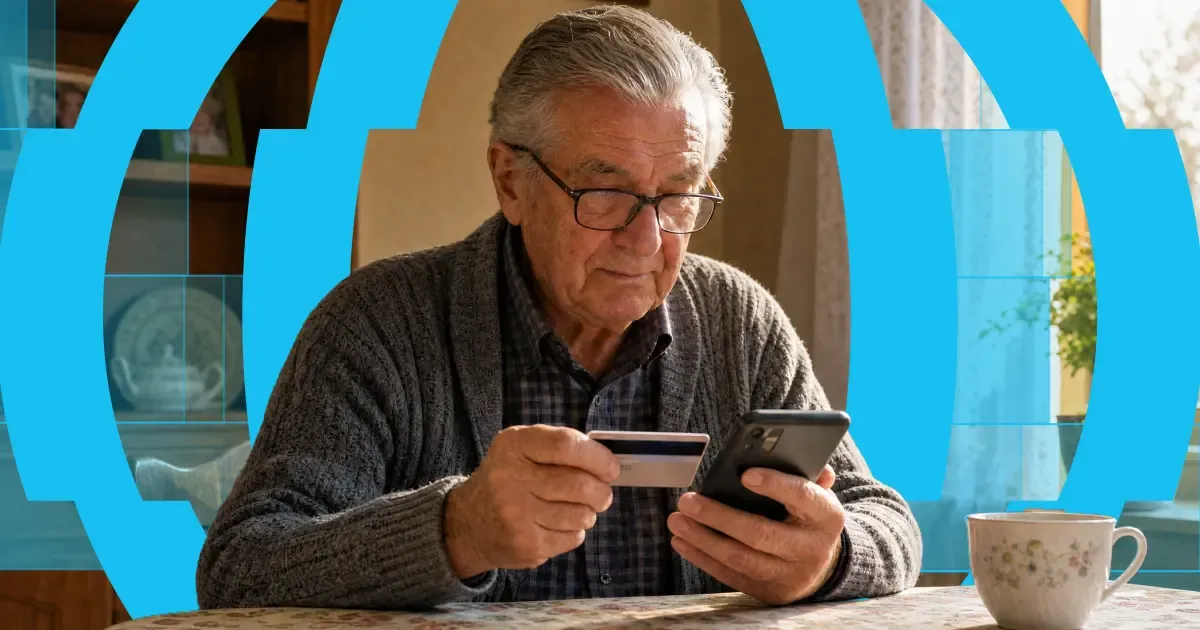
Here's the short answer: yes, you can use a credit card to get money into someone's bank account abroad. "Credit card to bank transfer" means exactly that — you fund the transfer with your credit card, and your recipient receives it in their bank account. Or on their card, in their wallet, or as cash to collect, depending on where they are.
The card and the bank account do different jobs. Your card pays for the transfer. A provider like Paysend then pays the money out through local systems on the other end. It's one flow, and it takes about a minute in the app.
One thing worth knowing before you start: a credit card is usually the most expensive way to fund a transfer. Some issuers treat it as a cash advance, and credit tends to carry higher payment fees than debit. You'll always see the full cost, exchange rate included, before you confirm anything. What follows is: the ways your money can arrive, what each one costs, how fast it gets there, and the cheaper routes worth checking first.

Every month, thousands of people working in the Czech Republic send part of their payday home — many of them Ukrainians supporting family across the border. And the traditional route makes it harder than it should be: bank wires that ask for IBANs and SWIFT codes, fees that only show up after the money's gone, and days of waiting while someone at home is counting on it.
Pavel Štich has spent years helping his readers solve exactly that. He's Co-Founder and Lead Financial Editor at Moneyo.cz, an independent Czech platform that compares money transfer services, stock brokers, and alternative investments — and a Paysend Ambassador, which means he tests what he recommends, explains it plainly, and brings his readers reader-only perks. We asked him how Moneyo started, who reads it, and why he chose Paysend.


