How to Transfer Money from PayPal to GCash in the Philippines
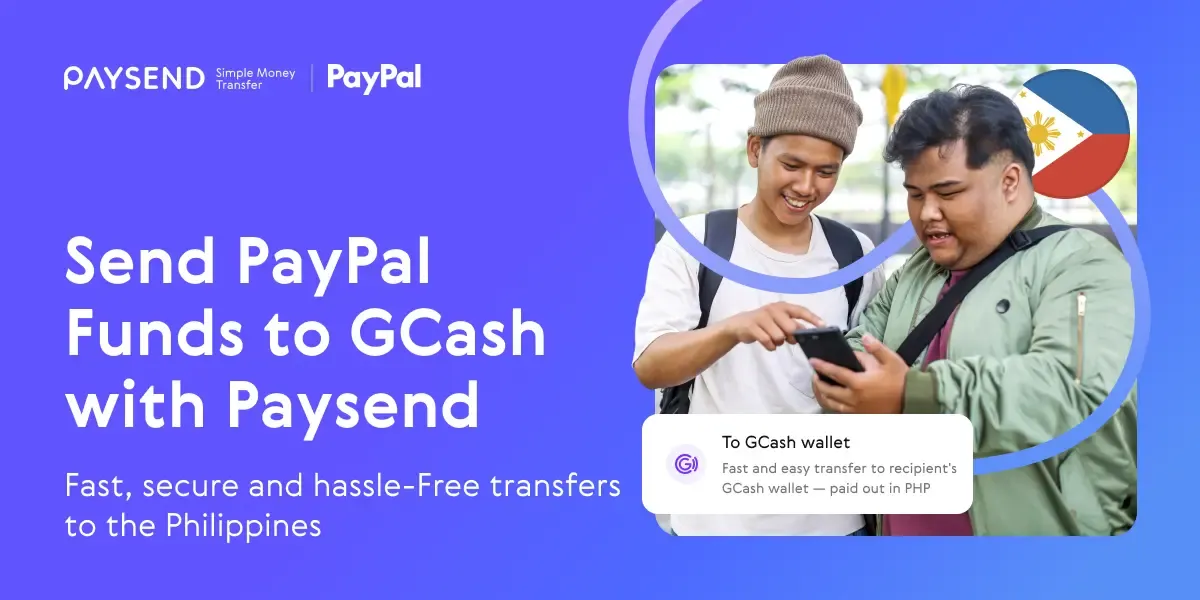
For many Filipinos, both at home and abroad, PayPal is the default way to get paid – whether it’s for freelance work, online business, or international gigs. But while PayPal is convenient for receiving payments in EUR or other currencies, accessing those funds locally often requires an extra step. That’s where GCash comes in. As one of the most widely used mobile wallets in the Philippines, GCash lets users pay bills, shop online, send money to friends and family, or withdraw cash, fast.
Thanks to services like Paysend, transferring funds from PayPal to GCash is easy, fast, and secure. This is particularly helpful for members of the Filipino diaspora who are sending remittances home. Instead of relying on traditional bank wire transfers – which can be slow and costly – Paysend allows you to fund a transfer with PayPal and deliver PHP directly* to a GCash wallet.
*Your money will be sent in real time; however, transfer delivery times may vary based on recipient bank processing, compliance checks, or other factors.
Why Filipinos Use PayPal to GCash Transfers
The Philippines is one of the world’s largest recipients of remittances. Many overseas workers, freelancers, and remote employees are paid through PayPal because it’s internationally recognized and convenient. Yet, for everyday spending, it’s much easier to have funds in a local wallet like GCash. This allows recipients to avoid bank queues, pay bills, buy prepaid mobile load, or even shop online at local merchants seamlessly.
Using Paysend is fast, convenient, and safe because your bank or card details aren’t shared. The process works for both local and international PayPal accounts, making it a flexible option for sending money to loved ones across the Philippines.
How to Send Money from PayPal to GCash Using Paysend
Once you’ve logged into Paysend, sending money is straightforward:
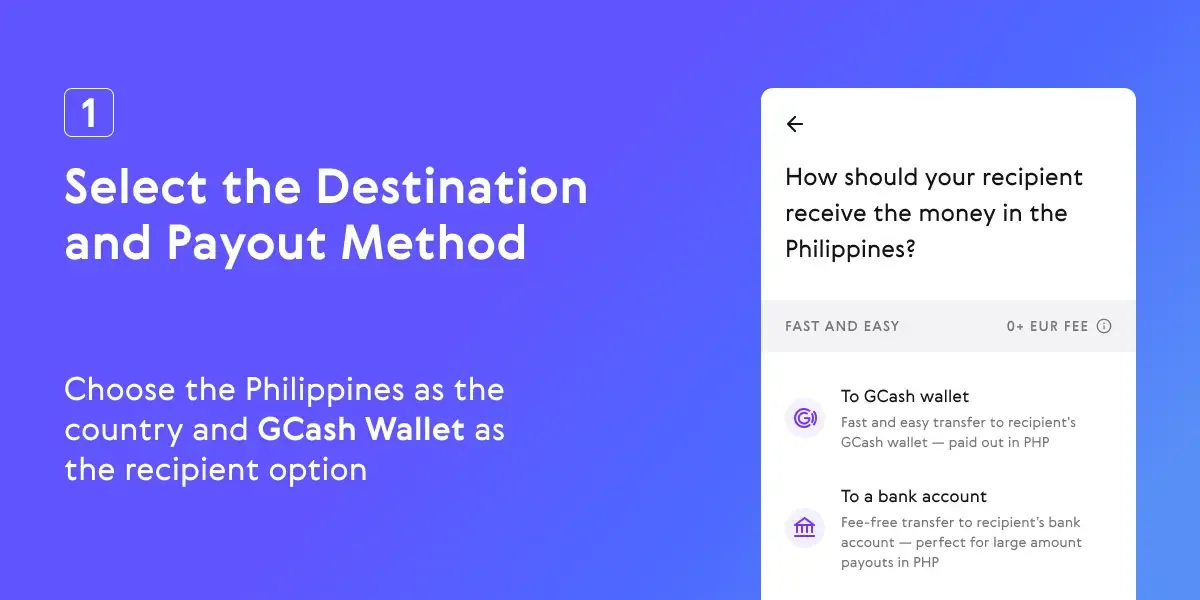
1. Select the Destination and Payout Method – Choose the Philippines as the country and GCash Wallet as the recipient option.
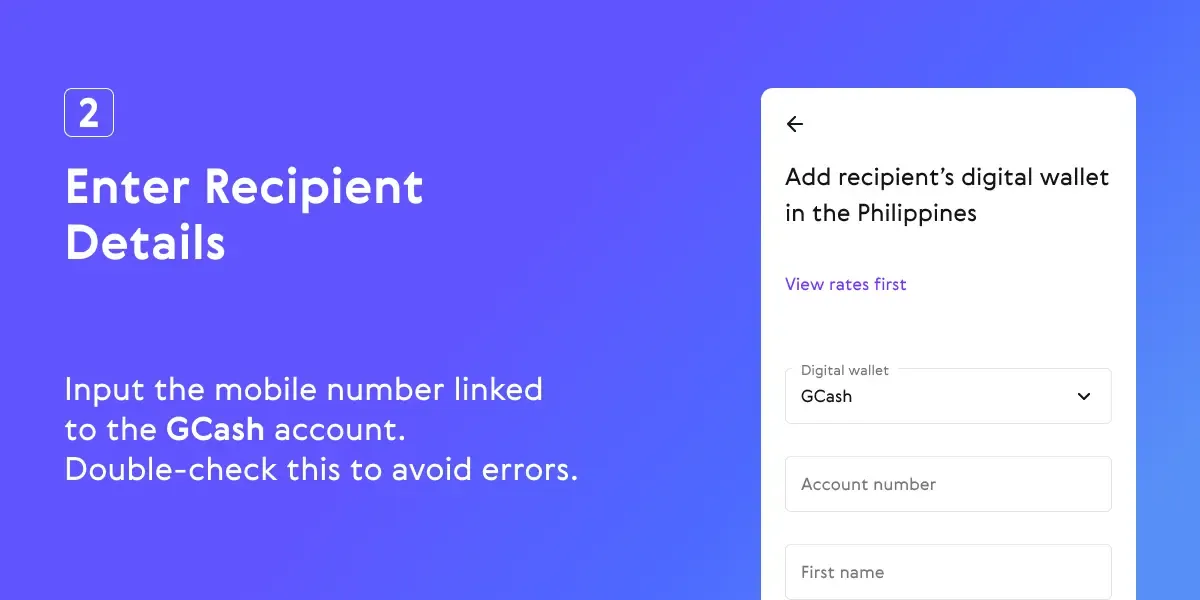
2. Enter Recipient Details – Input the mobile number linked to the GCash account. Double-check this to avoid errors.
3. Enter Transfer Amount – Specify the amount in PHP you want to send. Paysend supports 500 PHP minimum up to 100,000 PHP maximum per transaction.

4. Choose PayPal as Funding Method – Log in to your PayPal account when prompted and authorize the transfer.

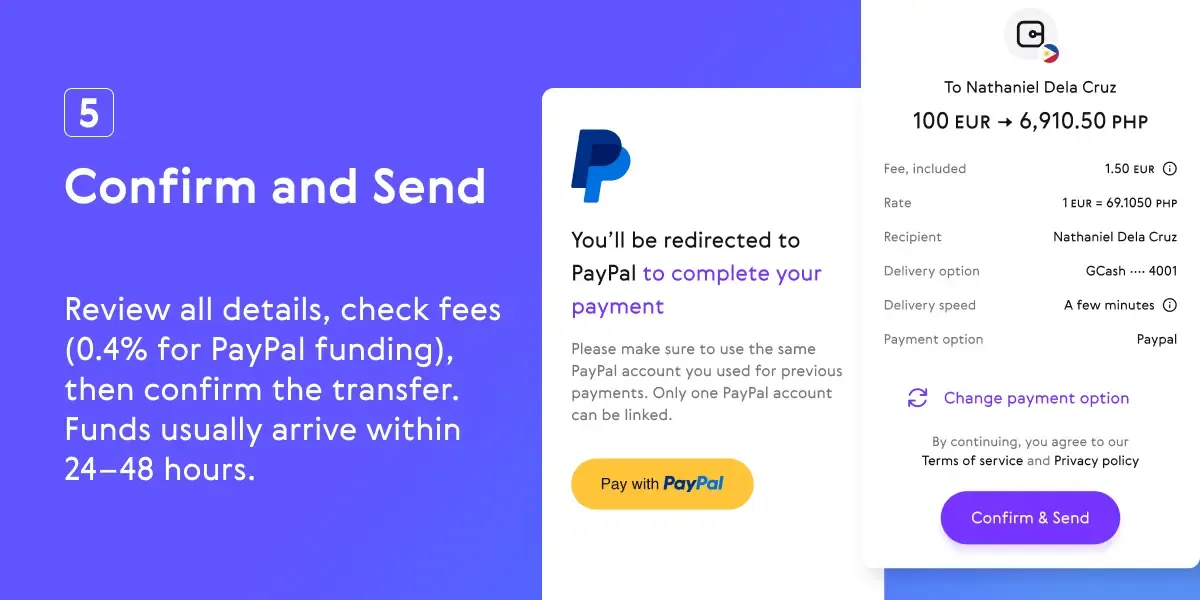
5. Confirm and Send – Review all details, check fees (0.4% for PayPal funding), then confirm the transfer. Funds usually arrive within 24–48 hours.
Alternative Route: Transferring Without Linking PayPal
If your PayPal account cannot be linked directly to GCash (e.g., non-Philippine PayPal, mismatched names or emails):
- Withdraw funds from PayPal to a Philippine bank account.
- Use the GCash Cash In via Bank option to transfer the money into your wallet.
This method works but is slower and may incur additional bank transfer fees.
Before You Send Money from PayPal to GCash
Before you transfer funds using Paysend, it’s important to make sure everything is in order to avoid delays, failed transactions, or unexpected fees. Check the following:
- Verified Accounts – Ensure both your GCash and PayPal accounts are fully verified. Your GCash email should match the email linked to your PayPal account for smooth processing.
- Recipient Details – Double-check the GCash mobile number you are sending money to. Even a small mistake can delay or prevent the transfer.
- Sufficient Funds – Make sure your PayPal balance covers the transfer amount and any applicable fees.
- Fees and Currency Conversion – Paysend charges a 0.4% fee when using PayPal to fund transfers. If your PayPal balance is in a foreign currency, PayPal’s currency conversion fee may also apply.
- Transfer Limits – Transfers typically range between 500 PHP and 100,000 PHP per transaction, though limits may vary depending on your Paysend verification status.
Taking these steps ensures your transfer goes smoothly and your funds reach the recipient’s GCash wallet without problems.
*Availability Disclaimer: Funding international transfers with PayPal via Paysend is currently available only for customers based in the UK and EU countries. Service availability may vary by country and is subject to local regulations and compliance requirements.
最新帖子
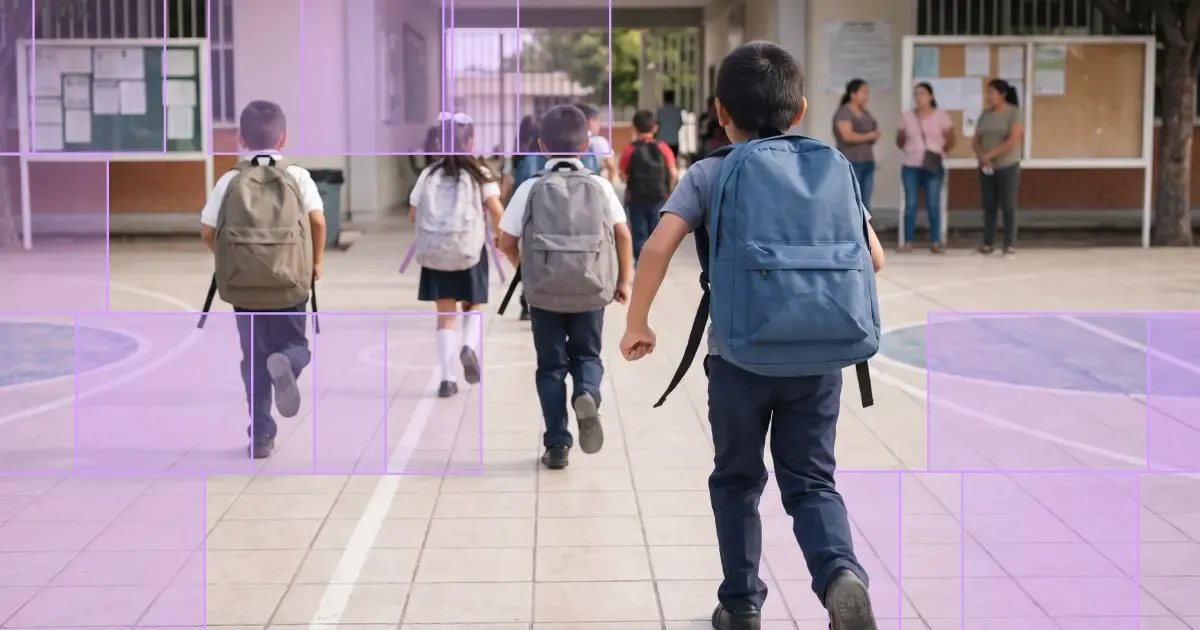
Back-to-school season can be one of the times of year you feel furthest from the people you love. It's also one of the most expensive – school supplies, uniforms, tuition, and everyday essentials all add up at once. Many people help cover these costs by sending money internationally to family abroad. To support that, new Paysend customers get a fee-free first transfer at a better exchange rate during the back-to-school period.
Whether you're helping pay for school or everyday expenses, an international transfer can get support to the people who need it, when they need it. Paysend lets customers send money to more than 170 countries through secure, straightforward payment methods — here's how to sign up for free and claim the offer.
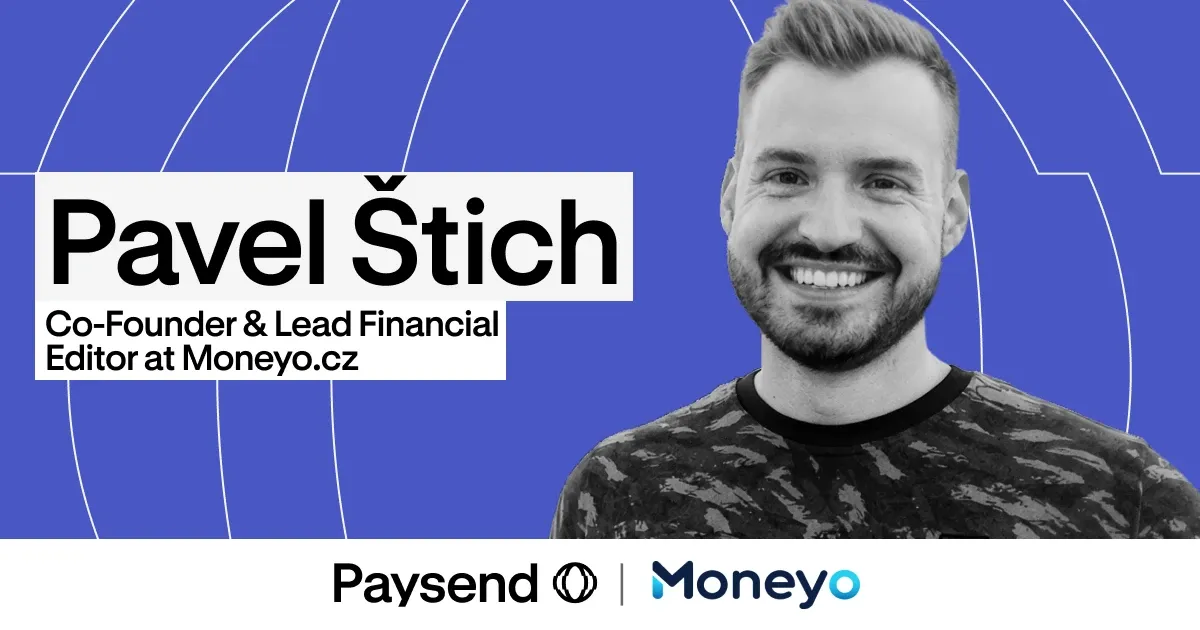
每个月,数以千计在捷克工作的人都会把部分工资寄回家——其中许多是支持着边境另一边家人的乌克兰人。而传统方式让本应简单的事情变得更复杂:银行汇款需要 IBAN 和 SWIFT 代码,手续费往往在钱汇出后才显现,还要等上好几天,而家里的人正等着这笔钱应急。
多年来,Pavel Štich 一直在帮助他的读者解决这个问题。他是 Moneyo.cz 的联合创始人兼财经主编——这是一个独立的捷克平台,专门比较汇款服务、股票经纪商和另类投资;同时他也是 Paysend 大使,这意味着他会亲自试用自己推荐的一切,用通俗易懂的方式讲解,并为读者带来专属福利。我们请他谈了谈 Moneyo 是如何诞生的、谁在阅读它,以及他为什么选择了 Paysend。


